NewDesigned for island life
The My HomeNet app puts your broadband, bills and our local team in your pocket. Download it free, or use it in your web browser.
What you can do
No more waiting on hold to check a bill or ask if there's a problem. It's all in the app.
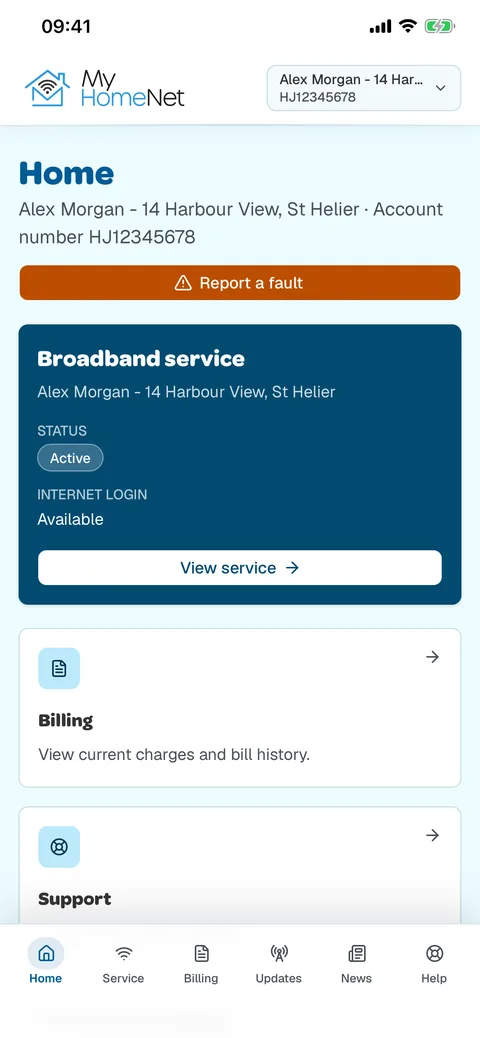
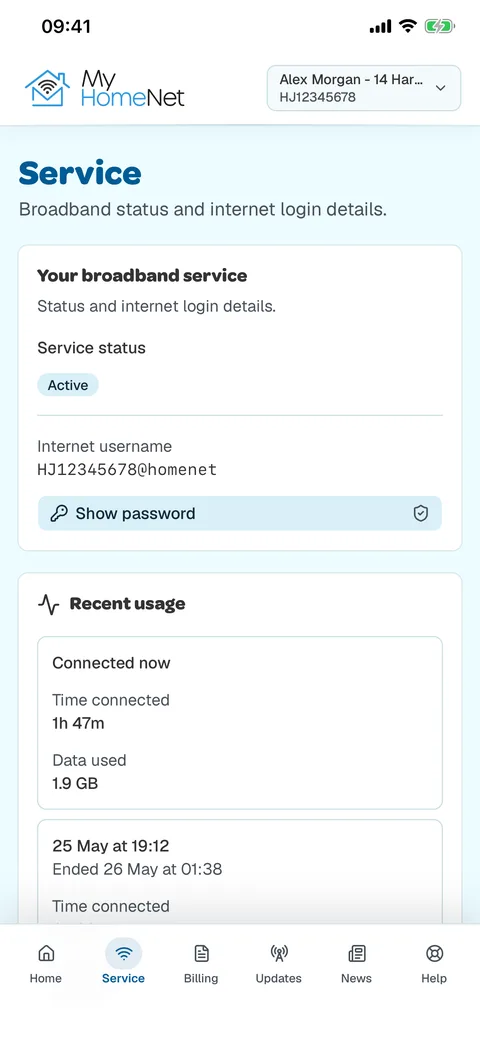
See if your service is active and find your internet username and password when you need them.
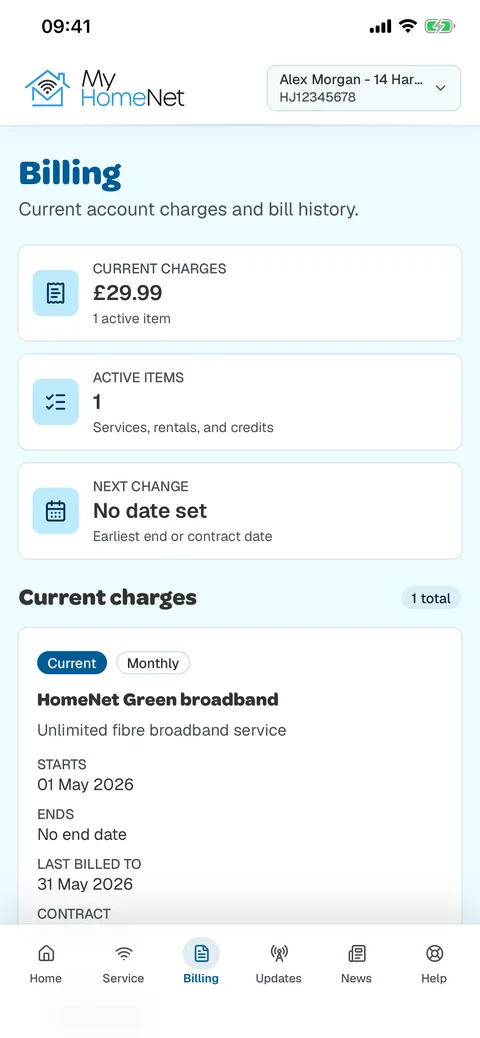
View your current charges, look back at your bill history and open any invoice.
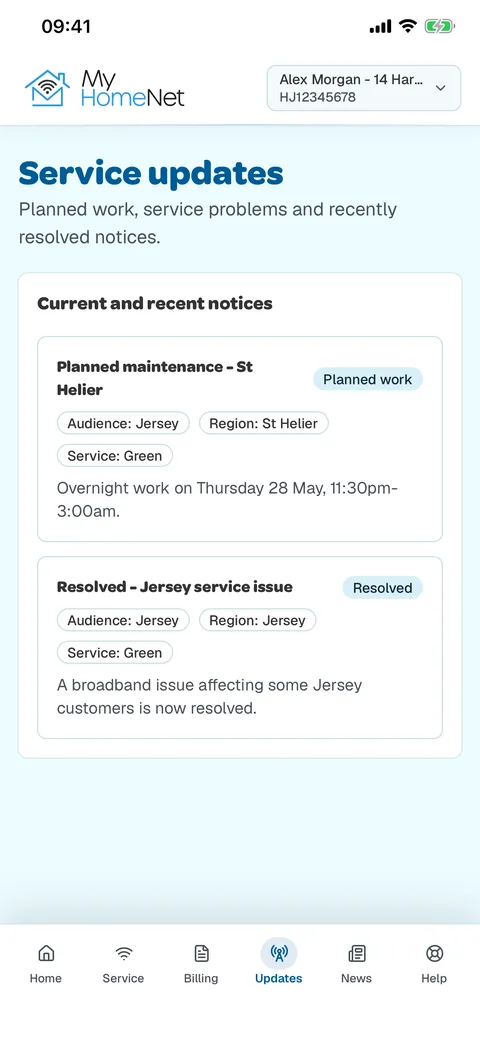
Find out about planned work and problems in your area, and when they've been fixed.
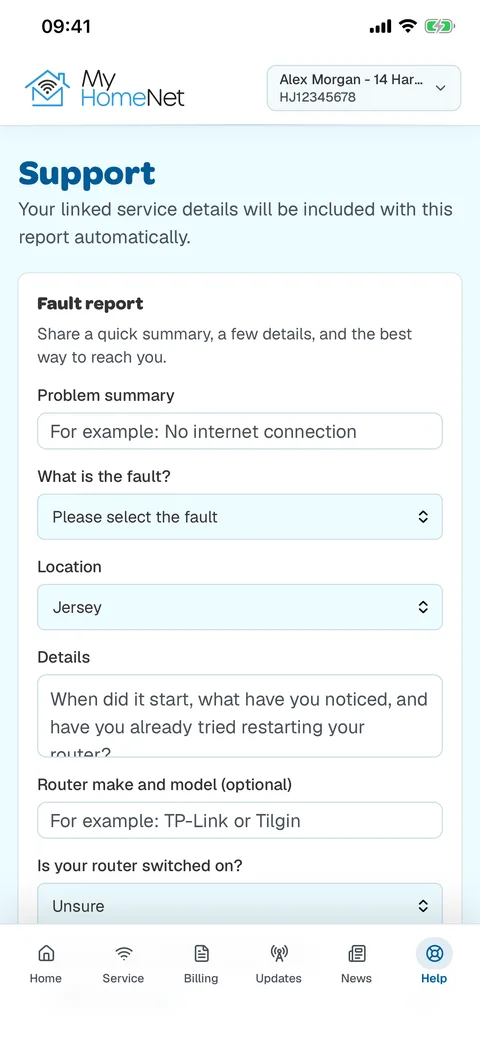
Tell us what's wrong in a few taps. Your account details are sent with it, so you don't need to look them up.
Catch up on our latest news and monthly updates from the team.
Get in touch with our local support team straight from the app.
Take a look
Getting started
Download My HomeNet free from the App Store or Google Play, or open it in your web browser.
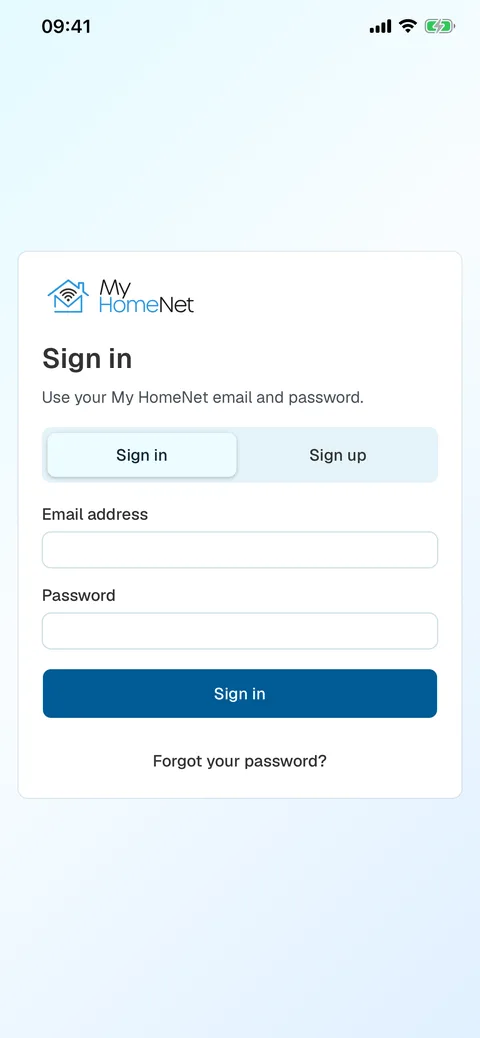
Choose "Sign up" and create your login with your email address and a password.
We'll send a code to your email or mobile to check it's you. Can't get the code? Our local team can check your account for you.
On your computer
My HomeNet works in any web browser on your computer or tablet. Sign in with the same email and password you use in the app.
Open My HomeNetQuestions
Yes. My HomeNet is free to download and use.
It's for HomeNet broadband customers in Jersey and Guernsey. You'll link your HomeNet account when you sign up.
iPhone and iPad (iOS 15 or later), Android phones, and any up-to-date web browser.
Yes. Use the same email address and password in the app and at my.homenetci.com.
Tap "Forgot your password?" on the sign-in screen and we'll help you reset it.
Need a hand?
A local team you can actually talk to.
Jersey
Guernsey
Chat to the team
We'll get back to you
Monday to Friday 9am to 5pm · Saturday 10am to 2.30pm